Ważne: FooEvents no longer offers Multiple Domain or Unlimited Domain licenses for new purchases. However, existing customers who previously purchased a Multiple Domain or Unlimited Domain license have been grandfathered in and can continue using their existing license according to the original license terms.
FooEvents currently offers Single Domain licenses only. Each license can be connected to one website or domain.
If you would like to use FooEvents on multiple websites, you can purchase multiple Single Domain licenses using the same FooEvents account and connect each license to a different website or domain.
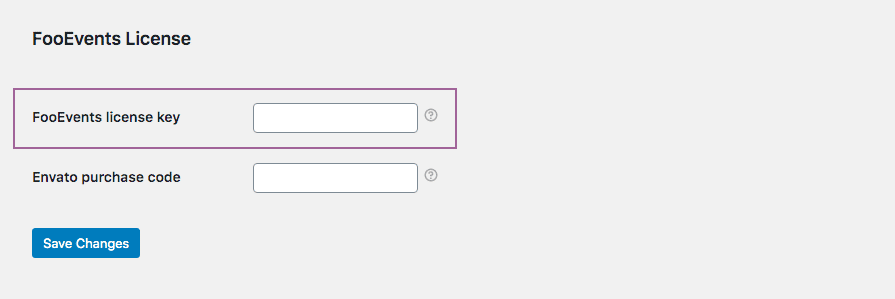
Once a license has been connected to a site, copy the generated license key and paste it into the Klucz licencyjny FooEvents field on that WordPress site under FooEvents > Ustawienia > Licencja. Automatic plugin updates will only work on sites that have a valid license connected to the relevant domain.
To enable automatic plugin updates, copy your existing license key and paste it into the Klucz licencyjny FooEvents field on each relevant WordPress site under FooEvents > Ustawienia > Licencja.
If you need to use FooEvents on additional websites that are not covered by your existing license, you will need to purchase a separate Single Domain license for each additional website and connect each license to the relevant site URL.