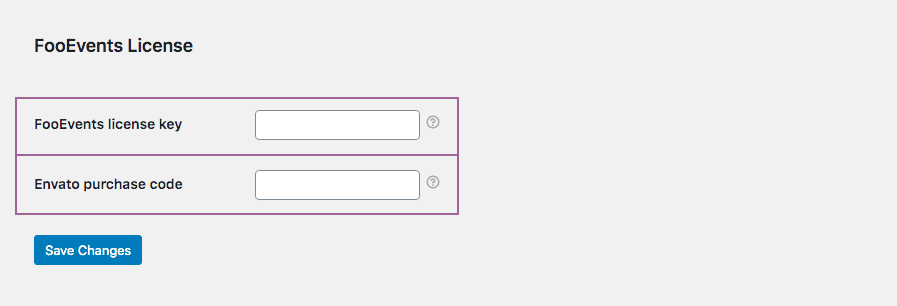
A noter : After connecting, changing, or renewing a license, it may take a short while before automatic updates reflect in WordPress due to caching and license synchronization.
If you purchased from FooEvents.com:
- Se connecter à Mon compte on FooEvents.com.
- Ouvrir le Licences section.
- Find the FooEvents plugin or bundle that you want to use.
- Cliquez sur Connect to site.
- Select an existing site or add a new website URL.
- Once connected, copy the generated Clé de licence FooEvents.
- Naviguez jusqu'à FooEvents > Paramètres > Licence in your WordPress admin dashboard.
- Paste your license key into the Clé de licence FooEvents field and click Enregistrer les modifications.
Conseil : FooEvents uses one license key per website. If you have purchased multiple FooEvents plugins or bundles for the same website, you can connect them to the same site and use the same license key for all FooEvents plugins installed on that website.
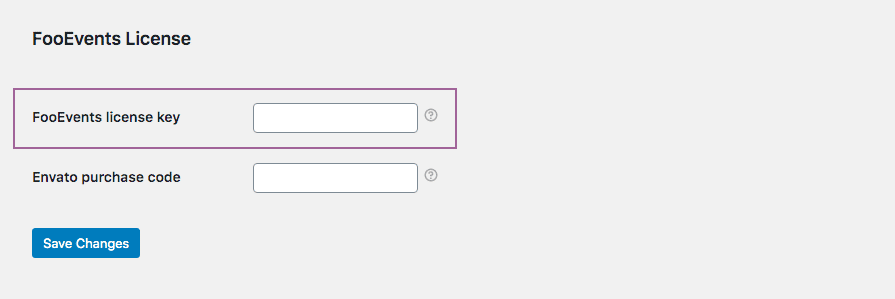
FooEvents POS customers must also confirm that the license key is saved correctly in FooEvents POS > Paramètres > Général.

Si vous avez acheté le plugin sur CodeCanyon :
- Naviguez jusqu'à FooEvents > Paramètres > Licence in your WordPress admin dashboard.
- Paste your Envato purchase code into the Code d'achat Envato field and click Enregistrer les modifications.
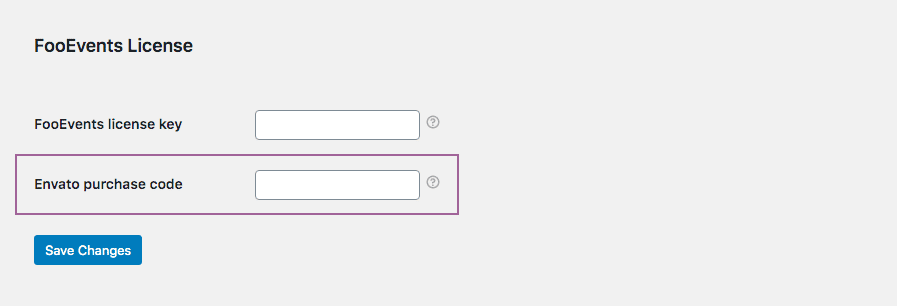
If you purchased from FooEvents.com and CodeCanyon:
- Connect your FooEvents.com purchases to your site and copy your FooEvents license key.
- Get your Envato purchase code from your CodeCanyon account.
- Naviguez jusqu'à FooEvents > Paramètres > Licence in your WordPress admin dashboard.
- Paste your FooEvents license key into the Clé de licence FooEvents field and your Envato code into the Code d'achat Envato field, then click Enregistrer les modifications.