
You can download a PDF tax invoice for any order directly from your FooEvents Account.
Here are the steps if you first need to change any of the billing details or company tax number for the invoice:
- Login to your FooEvents Account
- Click on the Addresses tab in the left menu
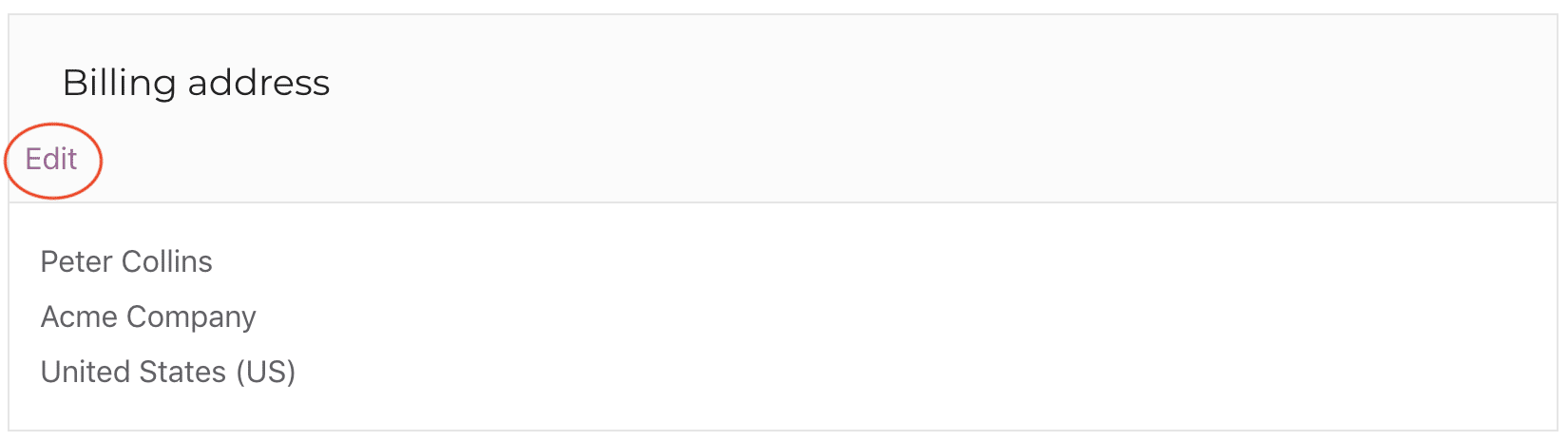
- Click on the Edit link and update your personal/company details and tax information
- Click the Save address button
Here are the steps to download a PDF version of your FooEvents invoice:
- Login to your FooEvents Account
- Click on the Orders tab in the left menu
- Find your order in the table and click on the Invoice link in the Action column

Please note: you will only be able to download invoices for completed, canceled or refunded orders.
If you require a credit note for a refunded order, please contact us and we will email it to you.