
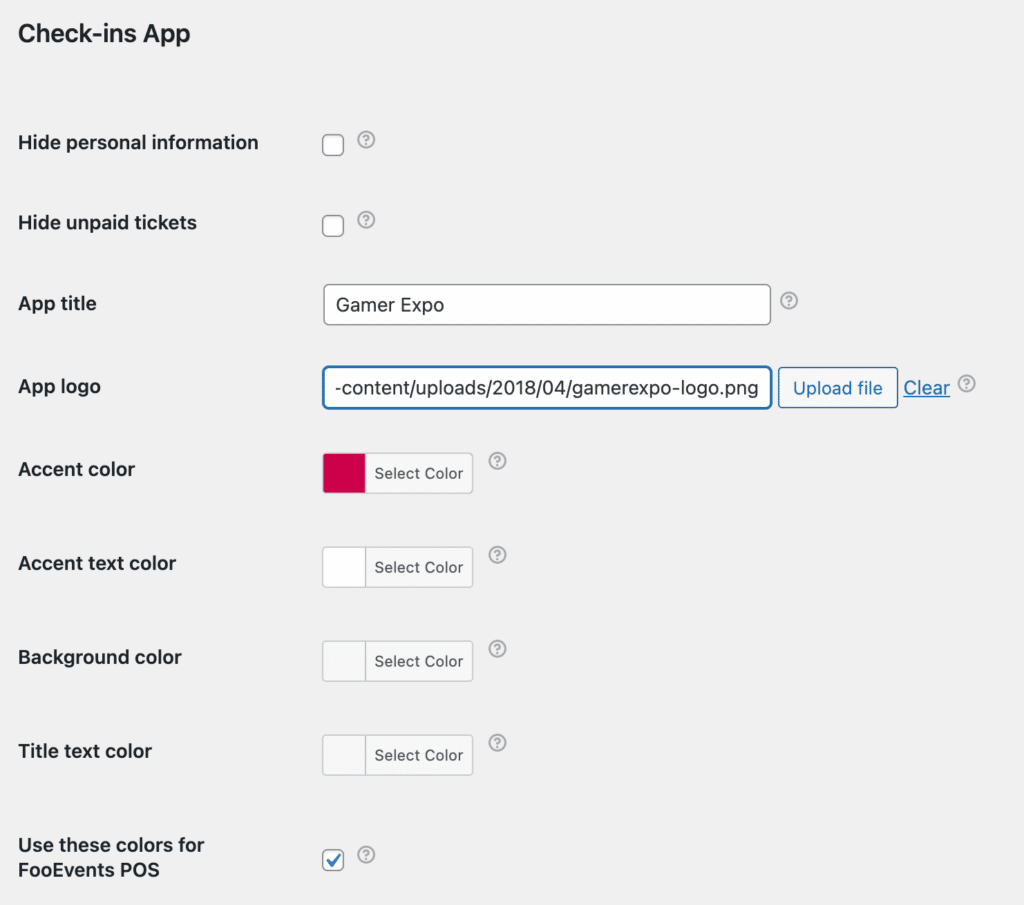
You can customize the interface colors and logo that displays in the FooEvents POS interface by navigating to FooEvents plugin settings and then checking the box on the Check-ins App tab that says “Use these colors for FooEvents POS“.
The app title, accent color, accent text color and uploaded app logo that are used in the FooEvents Check-ins app will then also be used in the FooEvents POS interface.
 English
  German
  Dutch
Dutch  Spanish
  Italian
  Portuguese
  French
  Polish
  Czech
Czech  Greek
Greek