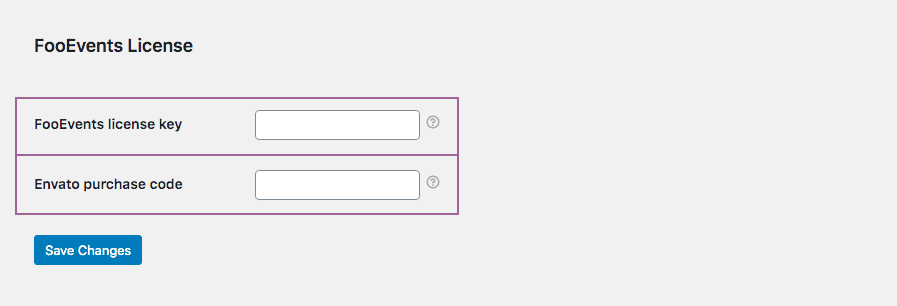
Si prega di notare: After connecting, changing, or renewing a license, it may take a short while before automatic updates reflect in WordPress due to caching and license synchronization.
If you purchased from FooEvents.com:
- Accedere a Il mio account on FooEvents.com.
- Aprire la sezione Licenses sezione.
- Find the FooEvents plugin or bundle that you want to use.
- Cliccare Connect to site.
- Select an existing site or add a new website URL.
- Once connected, copy the generated Chiave di licenza FooEvents.
- Andare a FooEvents > Impostazioni > Licenza in your WordPress admin dashboard.
- Paste your license key into the Chiave di licenza FooEvents field and click Salva le modifiche.
Suggerimento: FooEvents uses one license key per website. If you have purchased multiple FooEvents plugins or bundles for the same website, you can connect them to the same site and use the same license key for all FooEvents plugins installed on that website.
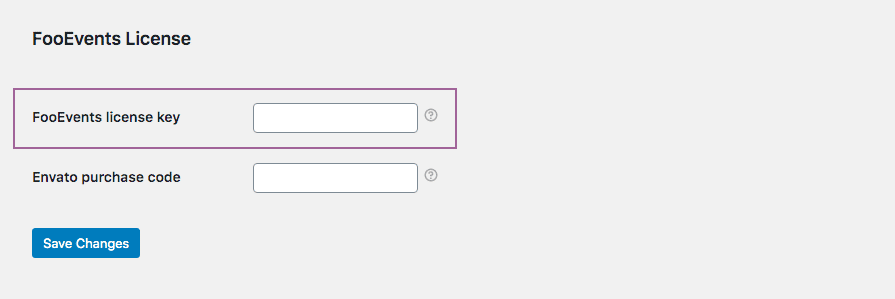
FooEvents POS customers must also confirm that the license key is saved correctly in FooEvents POS > Impostazioni > Generale.

Se avete acquistato il plugin da CodeCanyon:
- Andare a FooEvents > Impostazioni > Licenza in your WordPress admin dashboard.
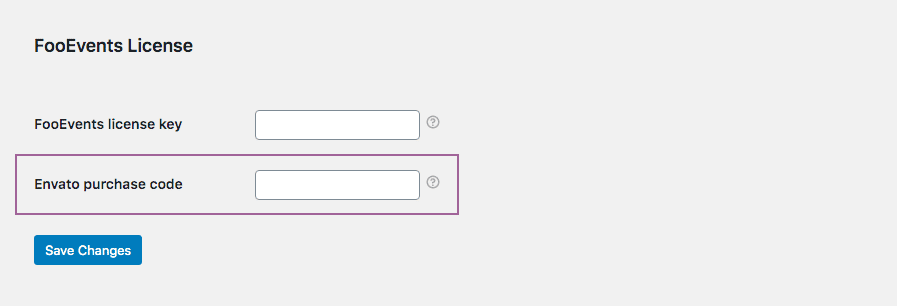
- Paste your Envato purchase code into the Codice di acquisto Envato field and click Salva le modifiche.
If you purchased from FooEvents.com and CodeCanyon:
- Connect your FooEvents.com purchases to your site and copy your FooEvents license key.
- Get your Envato purchase code from your CodeCanyon account.
- Andare a FooEvents > Impostazioni > Licenza in your WordPress admin dashboard.
- Paste your FooEvents license key into the Chiave di licenza FooEvents field and your Envato code into the Codice di acquisto Envato field, then click Salva le modifiche.