
If you have a store with a large amount of data, it might take a very long time to connect to your store initially. Depending on the amount of data, performance and memory capabilities of the device you’re using, this large amount of data could cause interface slowdown or unexpected behaviour.
Starting with plugin version 1.14.1 and app version 3.2.1 you can enable the dynamic loading setting in the Customers, Products and/or Orders tab which fetches data dynamically from the server as you search, rather than loading and storing all data locally on the device.

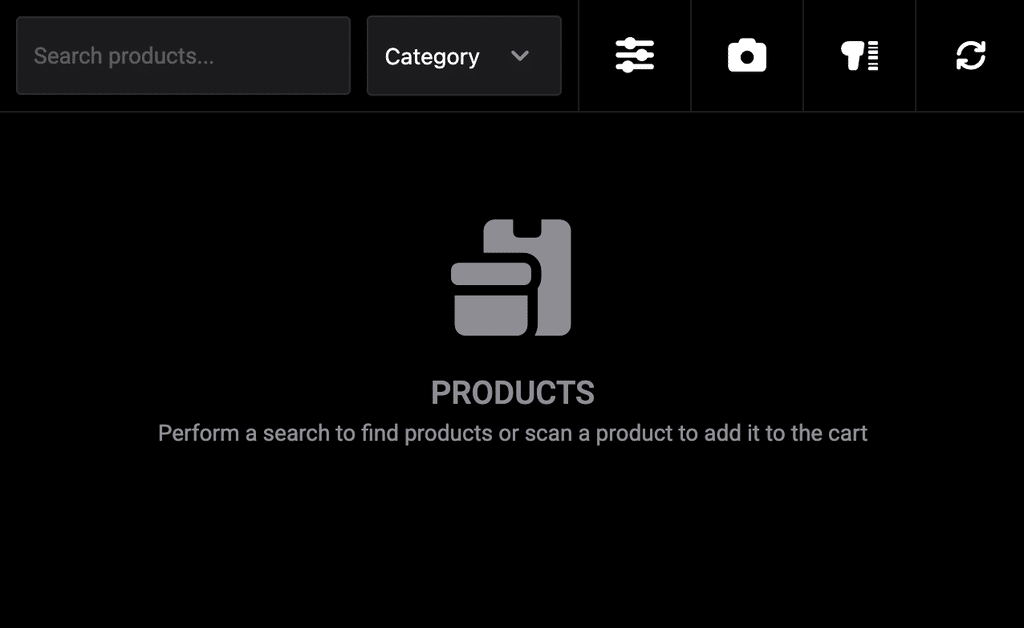
On the customer, product or order screen, no data is initially shown. Perform a search or scan a product to fetch results from your store. Results are fetched in batches of 20 and more results are loaded as you scroll down to the bottom of the list until all results have loaded.
Pinned Products
Even if dynamic loading is enabled for products, you can pin certain products that you want to always have visible after you’re done searching for products in the POS. Edit a product in your WordPress back-end and navigate to the POS Ajustes tab. Check the Pin this product in the POS option and reload the app to have pinned products fetched. You might have to clear the app cache by navigating to the Ajustes screen in the POS and tapping the Clear Cache botón.
 English
 German
 Dutch
 Spanish
 Italian
 Portuguese
 French
 Polish
 Czech
 Greek